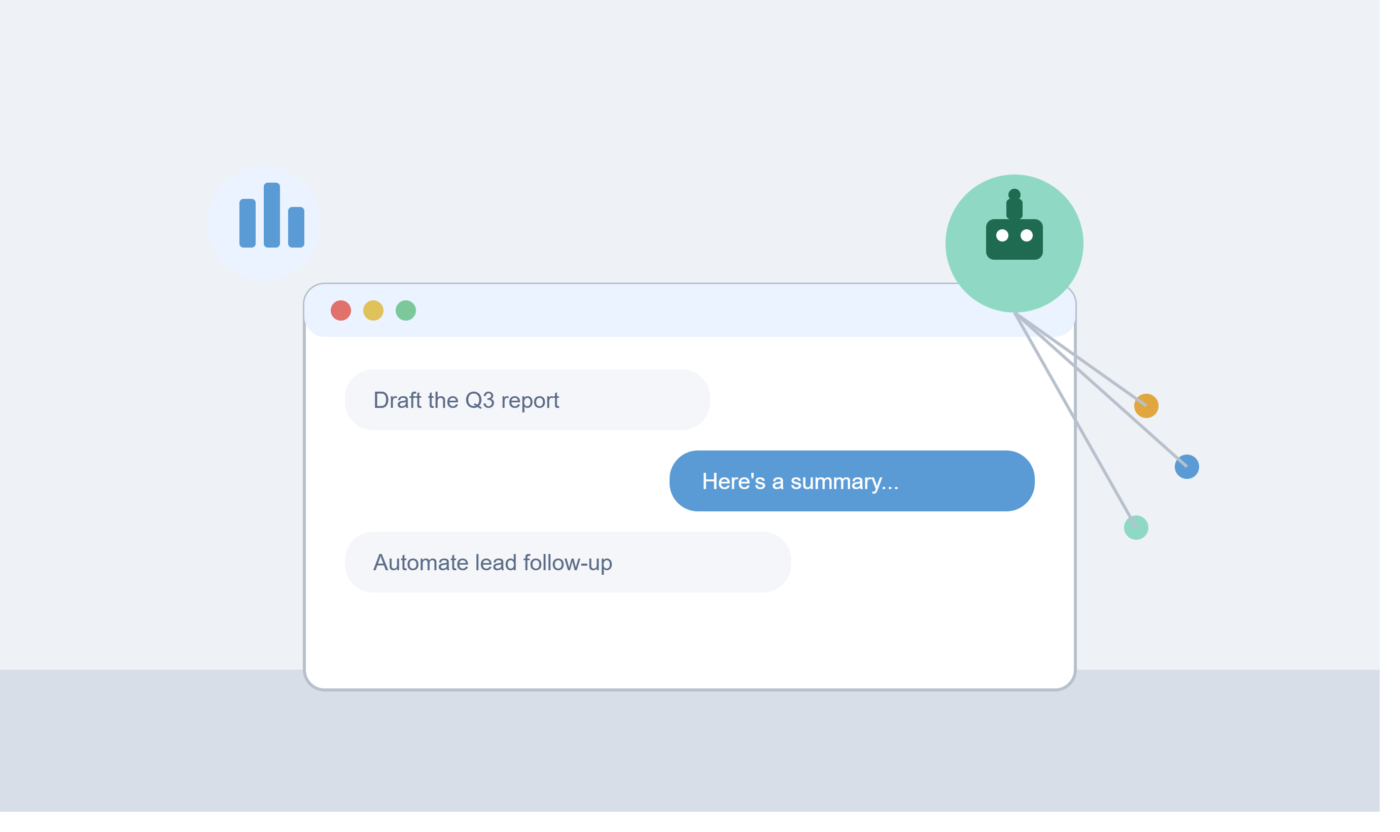

AI is no longer a competitive edge — it’s baseline infrastructure. The vast majority of organizations now use AI in at least one business function, but with hundreds of tools on the market, the real challenge isn’t finding an AI tool. It’s finding the right one for the specific bottleneck slowing your business down.
Rather than chasing a single do-everything platform, the businesses seeing the best results build a small, focused AI stack: one or two tools per core workflow, chosen for a specific job. Below are the 12 best AI tools for business in 2026, organized by what they actually solve.
Quick Answer: Best AI Tools by Business Function
| Function | Best Tool | Starting Price |
|---|---|---|
| General-purpose AI assistant | ChatGPT | Free / $20/mo |
| Deep reasoning & writing | Claude | Free / paid tiers |
| Google Workspace integration | Gemini | Free / $19.99/mo |
| Workflow automation | Zapier (AI Agents) | Free (100 tasks) / $19.99/mo |
| Marketing content at scale | Jasper | Paid, custom pricing |
| Meeting transcription & notes | Fireflies.ai | Free / paid tiers |
| Business research | Perplexity | Free / $20/mo |
| Design & branded content | Canva (Magic Studio) | Free / paid tiers |
| Docs, wikis & project notes | Notion AI | Free / $10/user/mo |
| CRM & sales | Salesforce AI | Included in CRM Suites |
| SaaS spend & license management | CloudEagle.ai | Custom pricing |
| Presentations & pitch decks | Alai | Paid, custom pricing |
1. ChatGPT — Best All-Around Starting Point
For a small business just getting started with AI, ChatGPT is the most common first stop because it can support multiple functions from a single platform, including content creation, customer communication, research, brainstorming, and basic workflow assistance. Its free plan lets you experiment before committing budget, and paid plans unlock more advanced capabilities as your needs grow.
Best for: Startups, freelancers, and small teams that want one flexible tool before investing in specialized software.
2. Claude — Best for Writing, Analysis, and Long-Context Work
Claude, from Anthropic, is frequently cited alongside ChatGPT as one of the strongest options for business communication and content creation — proposals, reports, long-document analysis, and research synthesis. It’s a strong fit for teams that need careful, nuanced writing rather than just fast output.
Best for: Teams producing polished written deliverables — reports, client communication, research summaries — where output quality matters as much as speed.
3. Gemini — Best for Google Workspace Teams
If your business already runs on Gmail, Docs, and Sheets, Gemini’s advantage is its deep integration with the tools you’re already using, alongside strong image generation and coding capabilities. Gemini is available for free, with paid plans starting around $19.99 per month.
Best for: Teams standardized on Google Workspace who want AI embedded directly into daily tools instead of a separate app.
4. Zapier (AI Agents) — Best for Workflow Automation
Zapier connects thousands of apps, and its AI layer now lets you build automations in plain English — for example, “when I get a new lead in HubSpot, summarize their LinkedIn profile and send me a Slack message.” Zapier Agents go a step further, acting as self-directed teammates that can take multi-step actions across your tech stack, from drafting emails to preparing reports.
Best for: Businesses drowning in repetitive manual tasks — data entry, lead routing, notifications — who want to automate without hiring a developer.
5. Jasper — Best for Scaling Marketing Content
Jasper is built for marketing teams that need to produce content consistently across channels. It connects with other apps to layer AI into multi-step workflows — for example, automatically generating tailored ad copy from a campaign brief, routing it for Slack approval, and uploading final assets into your CMS.
Best for: Marketing teams producing high volumes of on-brand content across multiple channels and campaigns.
6. Fireflies.ai — Best for Meeting Notes and Transcripts
Fireflies automatically records, transcribes, and summarizes meetings across popular conferencing platforms, so key decisions and action items don’t get lost. It’s especially useful for distributed teams that can’t have everyone in every meeting live.
Best for: Teams that run frequent client or internal meetings and need a searchable record without manual note-taking.
7. Perplexity — Best for Business Research
Perplexity is built for answering research questions with sourced, verifiable information rather than a plain chat response. Its “Focus” feature lets you search within specific sources like academic papers, news, or Reddit, and its “Spaces” feature creates a persistent workspace for ongoing research — like monitoring a competitor.
Best for: Competitive analysis, market research, and staying current on industry news without manually digging through dozens of sources.
8. Canva (Magic Studio) — Best for Design Without a Designer
Canva’s AI features now handle much of the heavy lifting in design work: Magic Write generates text inside designs, Magic Design creates branded templates from a prompt, and its video editor includes AI-powered auto-subtitles and scene editing.
Best for: Small teams that need professional-looking marketing assets — social posts, decks, ads — without a dedicated design hire.
9. Notion AI — Best for Docs, Wikis, and Project Tracking
Notion’s built-in AI layer lets you generate text, summarize meeting notes, turn bullet points into full documents, and ask questions about any database in your workspace. A common use case: paste in a meeting transcript and ask Notion AI to extract action items with owners and due dates.
Best for: Internal documentation, SOPs, project trackers, and team wikis that need to stay organized and searchable.
10. Salesforce AI — Best for CRM and Sales
Salesforce has built AI directly into its CRM Suites, so small businesses can start seeing value without complex setup — summarizing customer records and drafting emails without leaving the workflow. It’s a natural next step once lead volume outgrows manual CRM management.
Best for: Sales teams that already rely on Salesforce, or businesses that want AI-assisted lead and customer management without cobbling together separate tools.
11. CloudEagle.ai — Best for SaaS Spend and License Management
As businesses add more AI and software tools, unused licenses and duplicate subscriptions quietly eat into budgets. CloudEagle.ai gives a centralized view of all software spend, automatically identifies underutilized licenses, and flags upcoming renewals before you overpay.
Best for: Growing companies with a sprawling software stack that want to cut waste before it becomes a real budget problem.
12. Alai — Best for AI-Generated Presentations
Alai is built for teams that create decks constantly — campaign proposals, strategy decks, client pitches, quarterly reviews — using modern design principles like clean visual hierarchy and layouts that automatically adjust as content is added or removed.
Best for: Consultants, founders, and marketing teams who need polished decks fast without hiring a design team.
How to Choose the Right AI Tools for Your Business
With so many overlapping options, a scattershot approach wastes both budget and time. A more effective process:
- Audit your bottlenecks first. Identify where time is actually being lost — sales team spending too long on data entry, marketing struggling to keep up with content demand, or support overwhelmed by ticket volume.
- Start with one or two tools, not a company-wide rollout. Pilot a focused use case, measure the result, then expand.
- Check integration with your existing stack. An AI tool that doesn’t connect to your email platform or accounting software creates more friction than it removes.
- Weigh ROI over hype. Some tools show measurable impact — a recent survey found the majority of AI-using businesses reported at least a 1% cost reduction, with a notable share seeing 11% or more. Prioritize tools with a clear, provable use case over ones that just sound impressive.
Frequently Asked Questions About AI Tools for Business
What is the best AI tool for a small business just getting started? ChatGPT is commonly recommended as a first step because it supports multiple functions — content, research, communication — from one platform with a free tier to experiment before paying.
What’s the difference between ChatGPT, Claude, and Gemini for business use? All three are general-purpose AI assistants, but they lean differently: ChatGPT is the most widely adopted all-rounder, Claude is often favored for careful long-form writing and analysis, and Gemini stands out for its integration with Google Workspace tools like Gmail, Docs, and Sheets.
Can AI tools actually automate daily business tasks? Yes — especially repetitive tasks like CRM updates, scheduling, data entry, and email workflows, typically through automation platforms like Zapier that connect AI models to your existing apps.
Do I need a technical team to use AI tools for business? No. Most modern AI business tools — Notion AI, Canva, Zapier’s plain-English builder — are designed for no-code setup and can be adopted without a dedicated IT team.
How much should a small business budget for AI tools? Many tools offer functional free tiers, and low-cost paid plans often start between $10–$30 per month per tool. Start with free tiers to validate value before committing to paid plans across your stack.
Final Thoughts
The businesses winning with AI in 2026 aren’t the ones using the most tools — they’re the ones using the right tools for their specific bottlenecks, integrated cleanly into how they already work. Start with one high-pain workflow, prove the value, and build your stack from there.
This article is for general informational purposes. Pricing and features are subject to change — confirm current details on each tool’s official website before subscribing.






Leave a Comment